
Changelog

Follow new updates and improvements to user.com.

Product update: WhatsApp
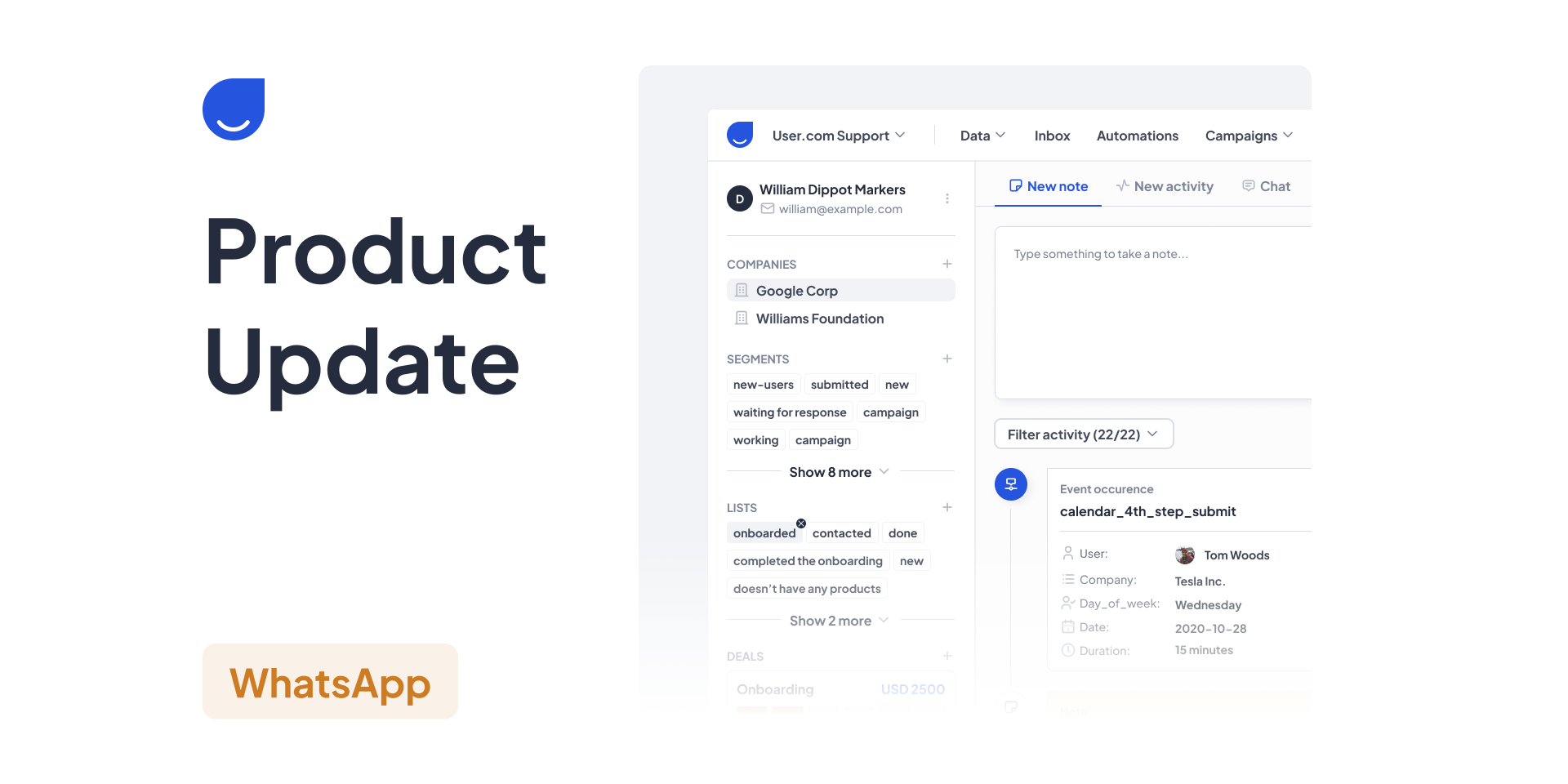
We’re excited to introduce a powerful new addition to the User.com platform – seamless integration with WhatsApp Business, now enabling automated messaging campaigns and template management directly within your workspace.


What’s New:

WhatsApp Business Integration:

Our newest update allows you to connect your WhatsApp Business account with User.com, opening up new possibilities for direct, personalised communication with your customers via one of the world’s most popular messaging platforms.
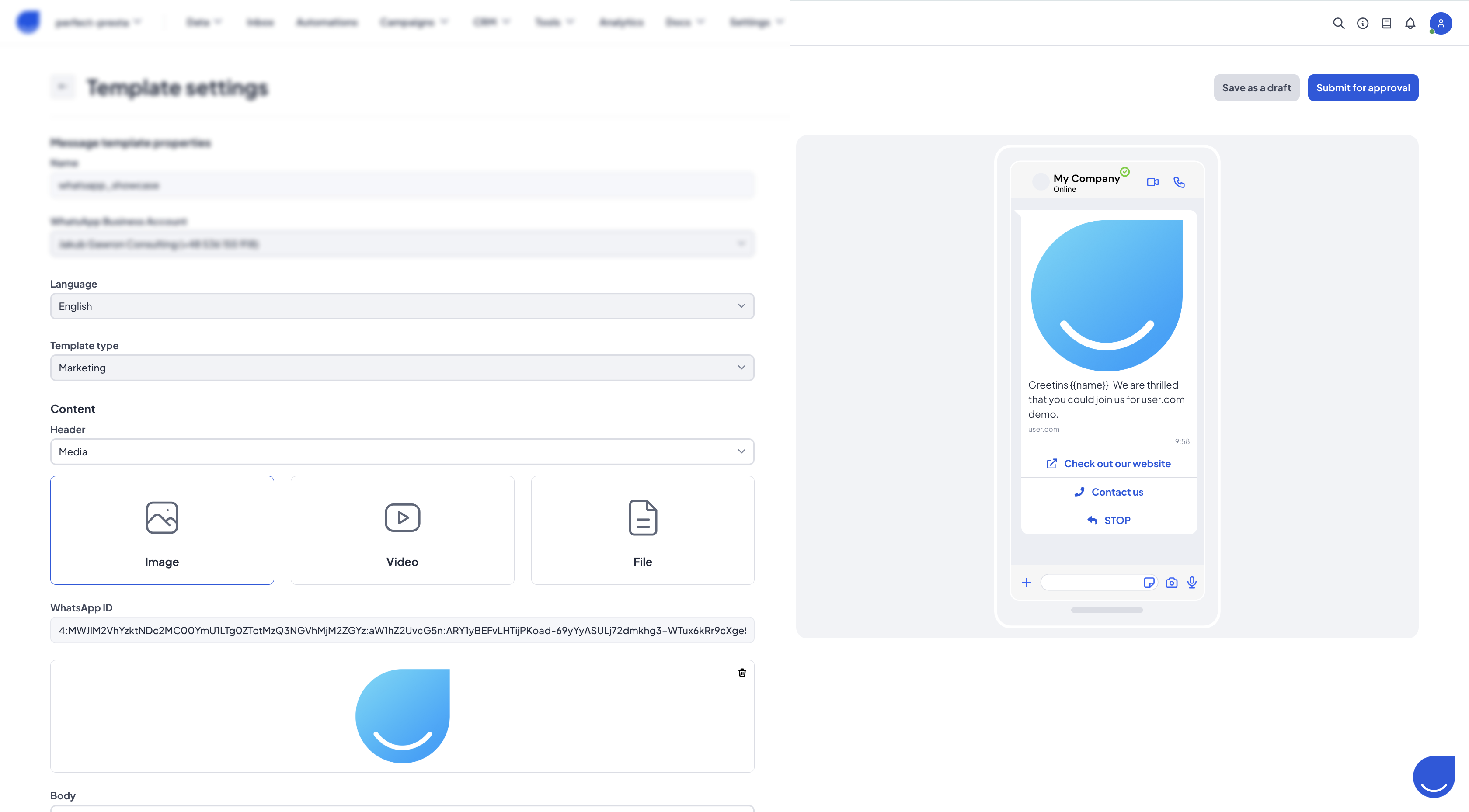
Message Templates Made Easy:

Easily create, manage, and edit WhatsApp message templates directly within the User.com interface. Whether it’s promotional content, reminders, or customer service updates – your communication is now structured, compliant, and ready to scale.

Marketing Campaigns via WhatsApp:

Launch targeted WhatsApp campaigns with just a few clicks. Combine the precision of User.com’s segmentation with the immediacy of WhatsApp to reach your audience with highly relevant content, delivered straight to their phones.

Customer-Centric Engagement:

Harness WhatsApp’s high open and engagement rates to build stronger relationships. Send timely updates, special offers, or interactive messages that align perfectly with your customer journey.


More to Come:

We’re continuously working on extending the functionality of our WhatsApp integration. Look out for future updates including 1 on 1 inbox messaging, analytics enhancements, and even advanced automated conversational flows.


Get Started Today:

To begin using the WhatsApp Business integration, head to the Setup & Integrations tab in your User.com navigation bar. From there, you can easily connect your account and start building impactful WhatsApp campaigns today.

Deliver conversations that convert — now with the power of WhatsApp + User.com.

Product Update

Weekly Deploy 15.01.2025

Improvements:

  • Adding link click ratio on sms campaign table view

  • Updating deal history after stage name change

  • Increasing SMS messages sending speed when using MessageFlow integration

  • Adding warning message during pop-up creation which requires attribute that is not created

Fixes:

  • Closing pop-up after redirection button was clicked

  • Using product filtering before returning products from the recommendation model

  • Properly displaying email click heat map with global UTMs containing space (previously links with global UTMs containing space were not tracked)

  • Updating tooltips in statistics dashboards in pop-up section (previously description in tooltips did not match dashboards headers)

  • Using correct output in the Email action condition automation module while an email is bounced

  • Changing category for landing pages is now possible

  • Removing default translation in Knowledge Base is now possible

Additional information:

The AI Chat service has been officially discontinued and will be removed from our platform. We appreciate your understanding and apologise for any inconvenience caused. Thank you for your continued support!

ImprovedFixedProduct Update

Product Update: In-App Messaging

We're delighted to unveil the latest update to our platform, introducing fully customizable in-app messages with advanced features, now accessible exclusively for Android and iOS SDK.

What's New:

  1. Tailored Customization: Our latest update empowers users to tailor their in-app messages comprehensively, ensuring alignment with their brand identity and communication strategy. From fonts to color schemes, every aspect of the message can now be personalized to deliver a cohesive and engaging user experience.

  2. Cross-Platform Compatibility: Our new in-app messaging functionality is now available for both Android and iOS SDKs, ensuring a consistent and immersive experience across different devices and platforms. Whether your users are on Android or iOS, they’ll enjoy the same level of customization and media-rich interactions.

  3. Rich Media Support: Elevate your messaging strategy with the power of multimedia. Now, you can enrich your messages by seamlessly integrating images, animations, and animated backgrounds. Engage your audience like never before by delivering visually captivating content directly within your app.


Coming Soon to Flutter SDK:

We understand the importance of supporting diverse development environments. That’s why we’re excited to announce that this feature will soon be available for Flutter SDK as well. Stay tuned for updates as we work to bring the same level of flexibility and creativity to Flutter.

Get Started Today:

Upgrade to the latest version of our SDK for Android and iOS to unlock the full potential of customizable in-app messages. You can easily access the new in-app message creator within the main menus under the Campaign tab. Create captivating experiences for your users and stay ahead in delivering exceptional user engagement.

ImprovedProduct Update